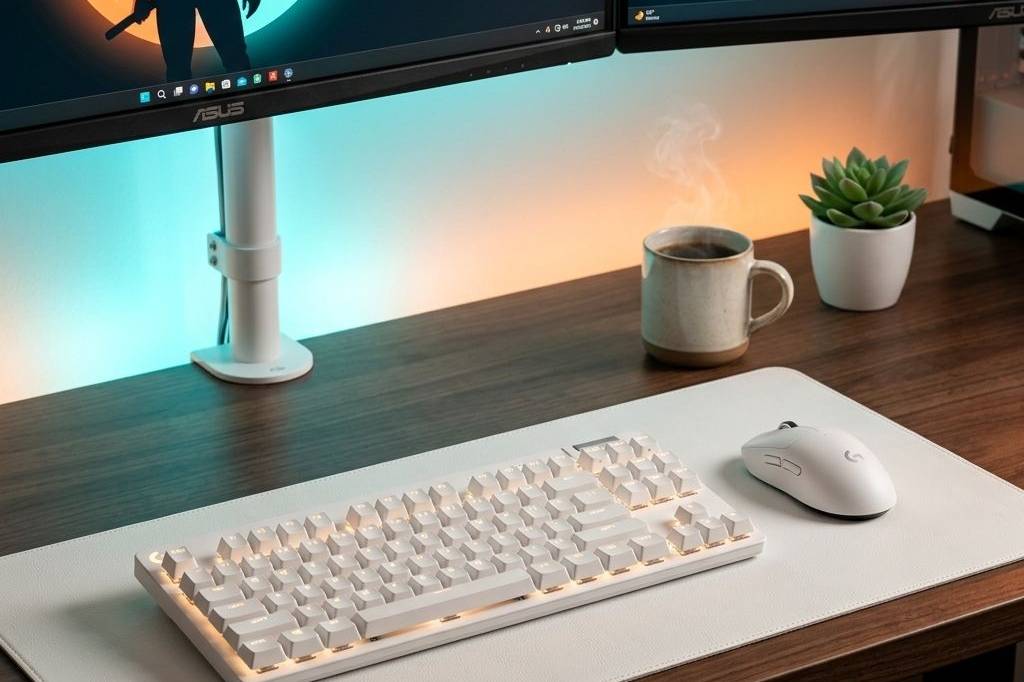
Quick Answer: The best cozy couple gaming setup revolves around a unified extra-long shared double desk, symmetrical matching chairs, and unified ambient lighting. The key is blending your individual tech preferences while maintaining a single cohesive warm aesthetic for the entire room.
Top Picks
- Best Overall: Extra-Long Shared Double Wood Desk
- Best Budget: Split Heart Neon Sign
- Best Aesthetic: Matching Symmetrical Ergonomic Soft Chairs
| Pick | Best For | Price | Key Benefit |
|---|---|---|---|
| Double Wood Desk | Overall | $$$ | Seamless unified workspace |
| Split Heart Neon Sign | Budget | $ | Ambient centerpiece glow |
| Matching Soft Chairs | Aesthetic | $$ | Symmetrical cozy comfort |
The Full List
1. Extra-Long Shared Double Desk
A massive 94-inch continuous wooden desk designed explicitly for two users side-by-side. Creates a seamless unified space without an awkward gap and is usually cheaper and more structural than two separate desks pushed together.
2. Matching Symmetrical Office Chairs
Ergonomic modern fabric chairs bought as a matching pair. Mismatched chairs destroy the couple-setup aesthetic. Fabric textures fit the cozy vibe far better than faux-leather gaming bucket seats.
3. Unified Extra-Large Desk Mat
An incredibly long continuous felt mat that spans across both keyboard zones. This visually connects the two stations into one unified desk and dampens keyboard noise so you don’t bother each other.
4. Dual Monitor Arms (x2)
Heavy-duty floating mounts to get all 4 combined monitors completely off the desk surface. Creates a floating gravity-defying look and frees up a massive shared surface area for controllers, snacks, and decor.
5. Split Heart Neon Sign
A glowing neon wall sign placed in the center of the shared setup above the monitors. Acts as the centerpiece that connects both halves of the room and provides perfect warm amber lighting for late-night co-op sessions.
What to Look For
- Symmetry: Even if you have different monitors, match your desk mats and chairs.
- Cable Management: Two PCs means double the cables. Use cable raceways aggressively.
- Audio: When gaming simultaneously, invest in high-quality closed-back headsets to avoid audio bleed.
Cozy Couple Setup: Frequently Asked Questions
How do we manage cable mess for two simultaneous PC builds?
The secret is using extra-long under-desk cable trays and horizontal raceways. Buying a unified double desk (94″+) often provides better structural support for hiding a massive amount of wires compared to separate smaller desks.
Should we invest in matching monitors?
Matching monitor arms are more important than matching screens. Even if your monitors vary in size (e.g., 27″ vs 32″), having identical floating mounts creates the horizontal symmetry necessary for a cohesive couple aesthetic.
How to prevent audio bleed between setups?
Investing in high-quality closed-back headsets or noise-canceling IEMs is mandatory. Open-back headphones will leak your partner’s audio directly into your microphone, ruining the immersion for your squad mates.
Visuals & Setup Highlights


? Need more inspiration? Check out our other popular setup: Best Cozy Botanical Desk Setup Accessories Under $100 (Actually Worth It)