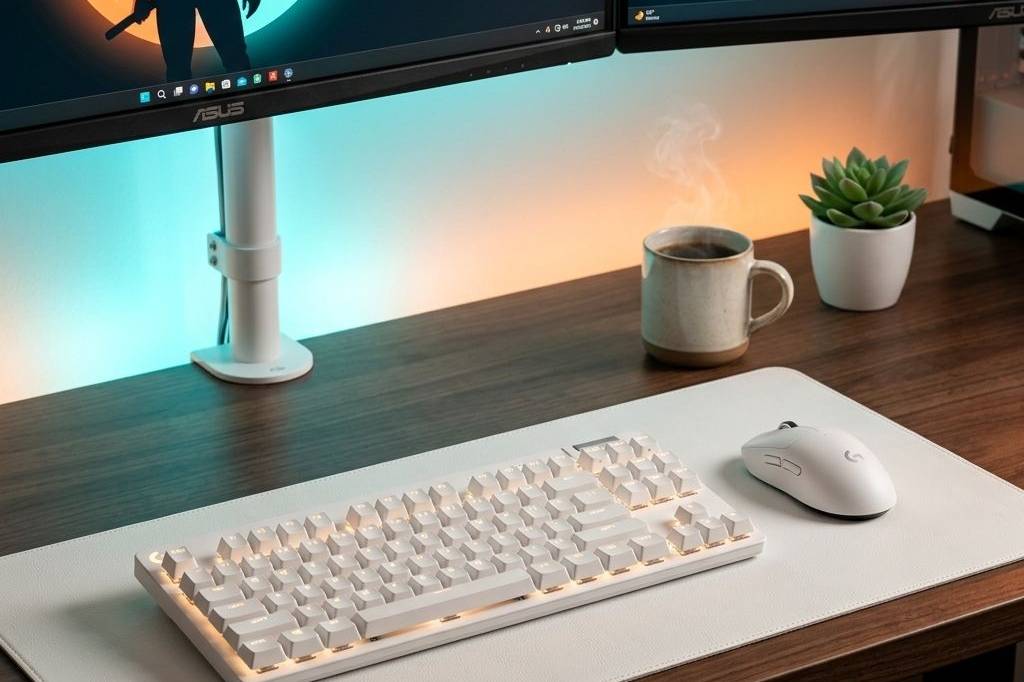
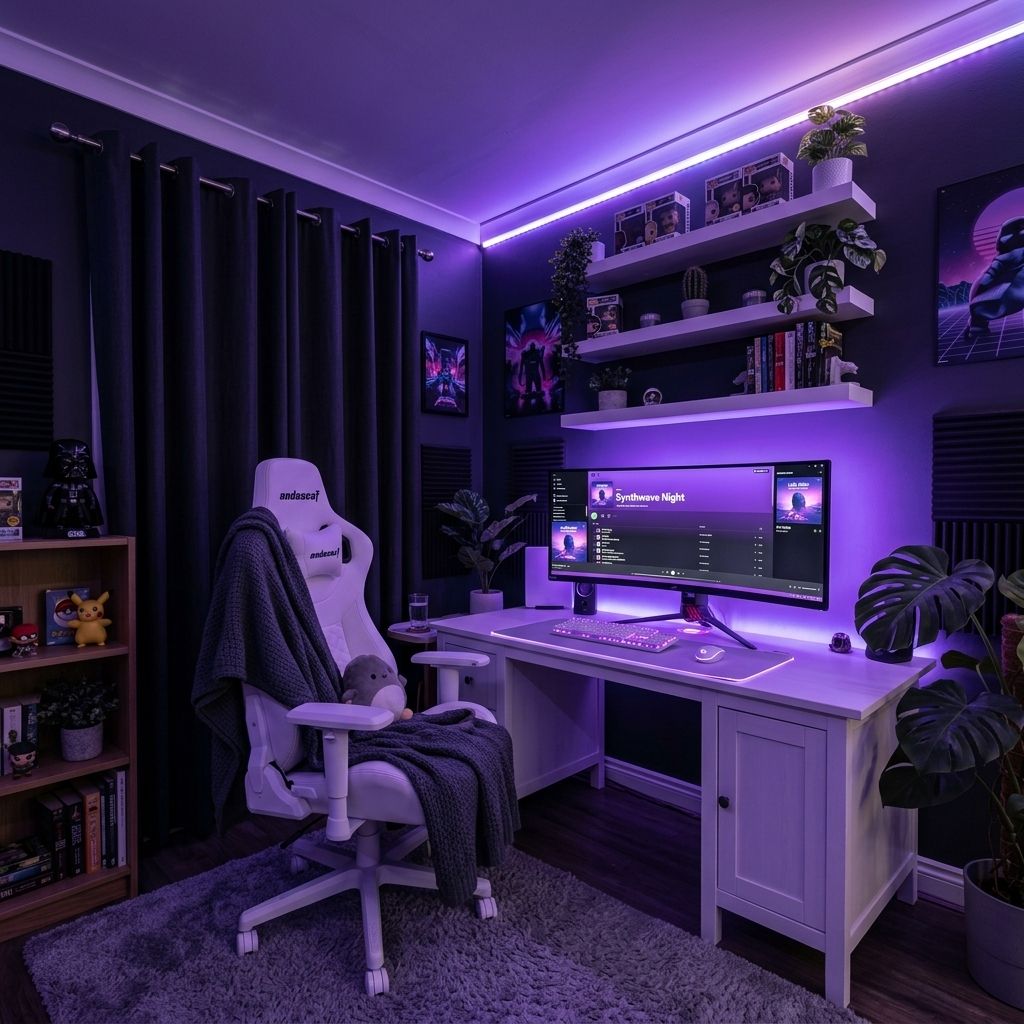
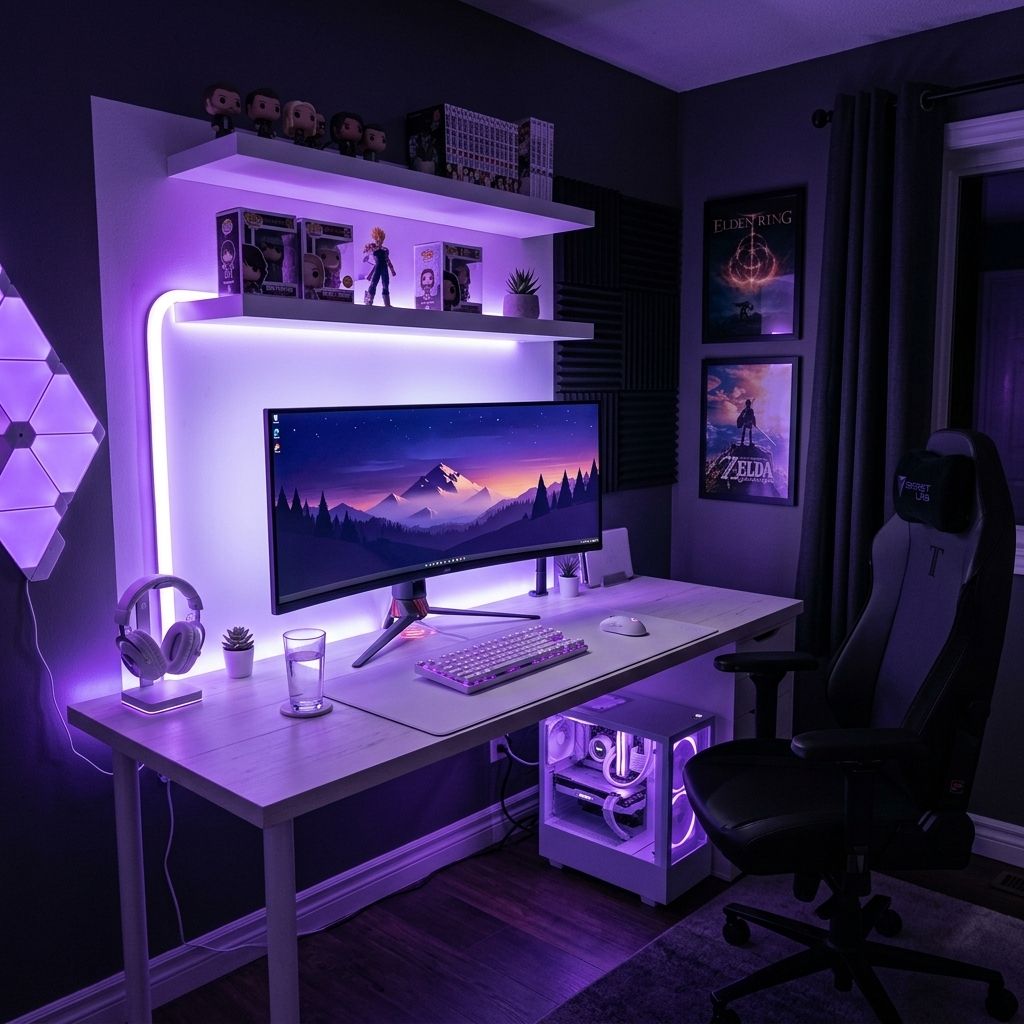
Purple is the color of royalty, and when you drape an entire gaming setup in deep violet and soft lavender RGB, it hits different. This setup proves you don’t need dedicated purple hardware to nail the aesthetic — a clean white foundation with every LED tuned to purple creates a cohesive, moody glow that turns your desk into a late-night command center.
Quick Answer: The Purple Gaming Setup Essentials
The centerpiece of this purple gaming desk is the ASUS ROG Strix 34″ Ultrawide QD-OLED Monitor — a massive curved display that bathes your peripheral vision in color. Pair it with the full Logitech G PRO ecosystem: the Logitech G PRO X TKL Keyboard with LIGHTSYNC RGB set to purple, the Logitech G PRO X Superlight 2 Mouse for flick-accurate precision, and the Logitech G PRO X 2 Headset for immersive audio. Tie the ambient lighting together with Govee RGBIC LED Strip Lights behind the desk and shelves, and ground everything on a clean HOMIEAZICOZI Large Desk Mat that catches every purple reflection.
The Setup: White Canvas, Purple Glow
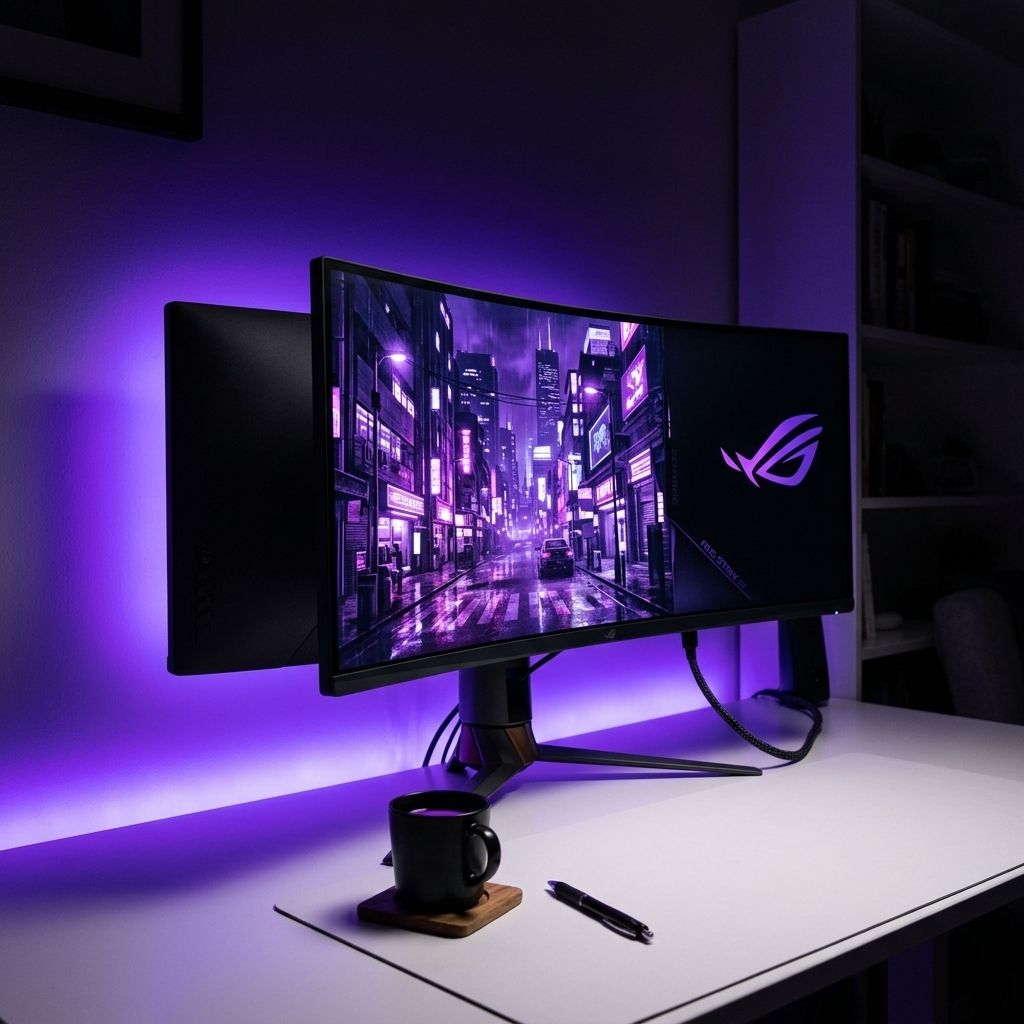
The trick to a stunning purple gaming setup without buying all-purple gear is simple — start with a white base and let RGB do the heavy lifting. The ASUS ROG Strix 34″ Ultrawide anchors the desk with its 3440×1440 QD-OLED panel, and at 175Hz with a 0.03ms response time, it’s not just eye candy — it’s a competitive edge. The curved display naturally wraps the purple ambient light around your field of view, creating an immersive cockpit effect that flat monitors simply cannot replicate.
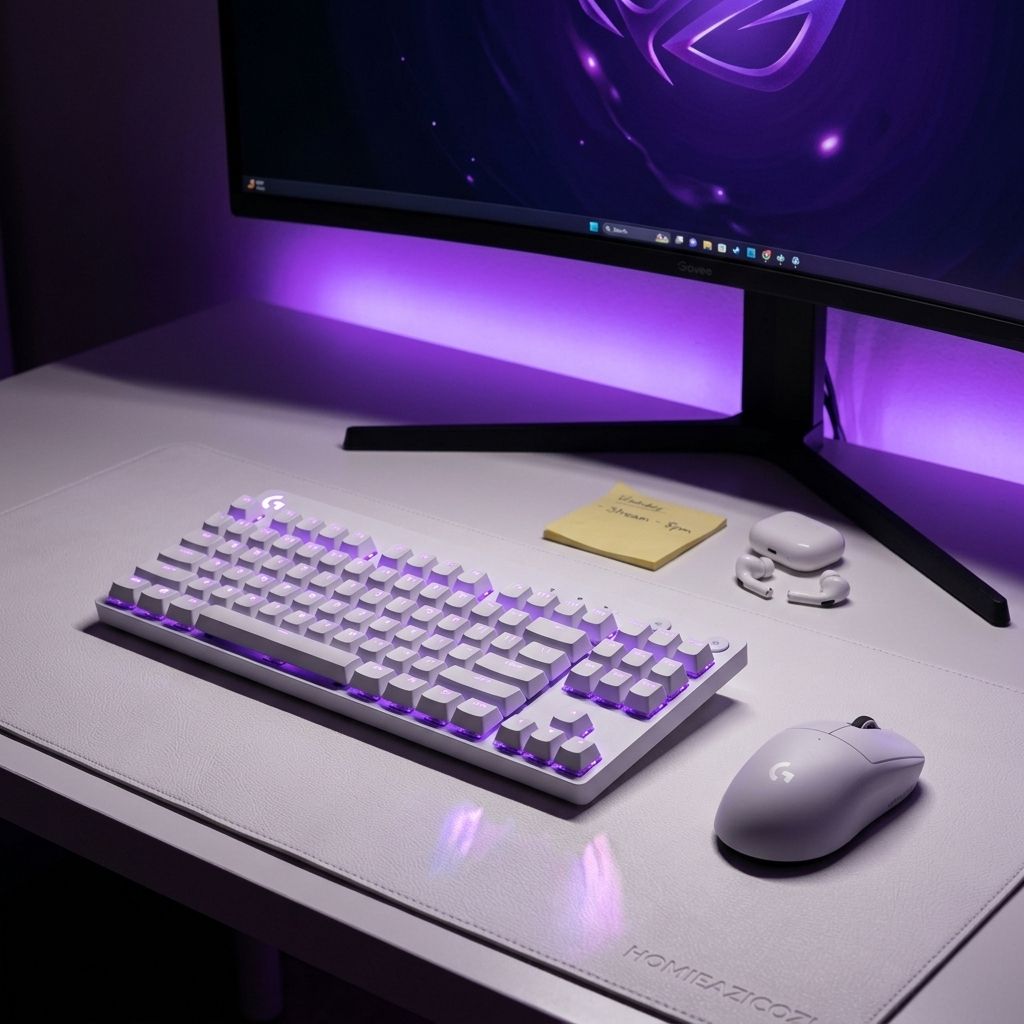
Below the monitor, the Logitech G PRO X TKL Keyboard in white is the real star when the lights go down. Its per-key LIGHTSYNC RGB set to a gradient of violet and lavender creates a gorgeous pool of light across the HOMIEAZICOZI Desk Mat, which acts as a soft white canvas reflecting every hue. The tenkeyless form factor keeps the desk spacious, leaving room for the Logitech G PRO X Superlight 2 to glide freely — and at just 60 grams with a 44K DPI sensor, your aim stays locked in during late-night ranked sessions.
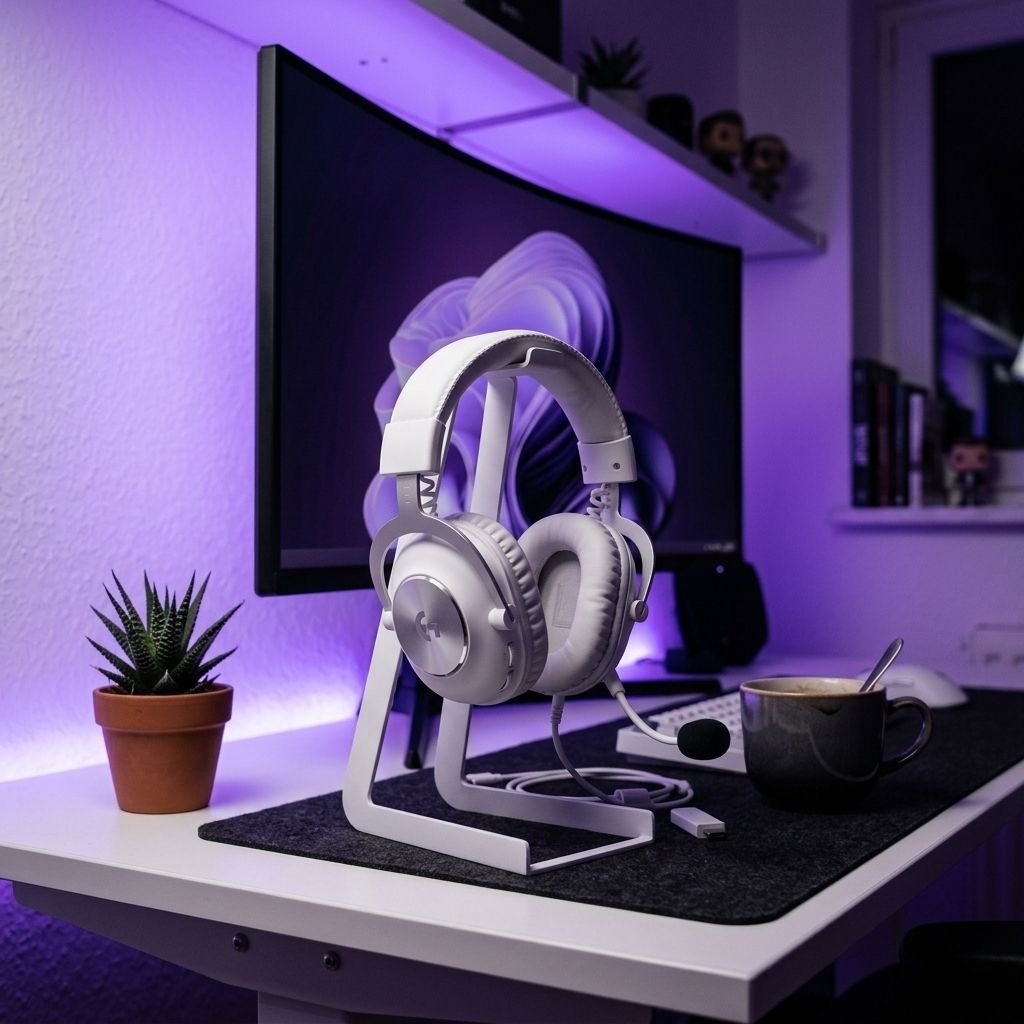
For audio, the Logitech G PRO X 2 Headset keeps the white aesthetic consistent while delivering 50mm graphene drivers and DTS:X 7.1 surround. It’s wireless across Bluetooth, USB, and 3.5mm, so you can switch between PC gaming and phone calls without missing a beat. Finally, the Govee RGBIC LED Strip Lights behind the desk and along any floating shelves tie the entire room together — their segmented color control means you can create a deep purple base with lighter lavender accents, giving the space depth instead of a flat wash of color.
Feature Comparison
| Product | Key Feature | Best For |
|---|---|---|
| ASUS ROG Strix 34″ Ultrawide | QD-OLED, 175Hz, 0.03ms | Immersive Gaming & Cinematic Visuals |
| Logitech G PRO X TKL Keyboard | Per-Key LIGHTSYNC RGB | Purple Glow & Competitive Gaming |
| Logitech G PRO X Superlight 2 | 60g, 44K DPI HERO 2 Sensor | Precision FPS & Low Fatigue |
| Logitech G PRO X 2 Headset | 50mm Graphene Drivers, Tri-Mode | Immersive Audio & Versatility |
| Govee RGBIC LED Strip Lights | Segmented Multi-Color Control | Ambient Purple Lighting |
| HOMIEAZICOZI Large Desk Mat | 47.2″ x 17″ PU Leather | Clean Surface & RGB Reflection |
Frequently Asked Questions
Do I need purple hardware for a purple gaming setup?
Not at all. The key is starting with a neutral white base and using RGB lighting to set the mood. Products like the Logitech G PRO X TKL Keyboard and Govee RGBIC LED Strip Lights let you switch to purple with a single tap, and the white surfaces reflect the color beautifully for a cohesive look.
Is a 34-inch ultrawide monitor too big for a standard desk?
A 34-inch ultrawide like the ASUS ROG Strix 34″ Ultrawide fits comfortably on most desks 48 inches or wider. It actually replaces the need for dual monitors, saving you space and eliminating the bezel gap in the center of your vision.
Can I use these Govee LED strips behind furniture other than a desk?
Absolutely. The Govee RGBIC LED Strip Lights come with adhesive backing and can be mounted behind shelves, under desks, along baseboards, or behind a TV. The RGBIC technology lets different segments show different shades of purple simultaneously, adding depth to any room.
Why choose the Logitech G PRO ecosystem over mixing brands?
Using the full Logitech G PRO lineup — the TKL Keyboard, Superlight 2 Mouse, and PRO X 2 Headset — means all your RGB syncs through Logitech G HUB with one profile. Set it to purple once and every device matches instantly, which is a huge convenience over juggling three different RGB apps.
Is a desk mat necessary if I already have a mousepad?
A full-size desk mat like this HOMIEAZICOZI serves a different purpose — it protects your desk surface, unifies the look under your keyboard and mouse, and in a purple setup specifically, the white PU leather surface reflects the ambient RGB light creating a gorgeous glow effect you would miss with a small dark mousepad.
Get the Look
- ASUS ROG Strix 34″ Ultrawide QD-OLED Monitor
- Logitech G PRO X TKL Lightspeed Wireless Gaming Keyboard (White)
- Logitech G PRO X Superlight 2 Wireless Gaming Mouse (White)
- Logitech G PRO X 2 Lightspeed Wireless Gaming Headset (White)
- Govee RGBIC LED Strip Lights (16.4ft)
- HOMIEAZICOZI Large Desk Mat (White, 47.2″ x 17″)
A purple setup doesn’t demand purple products — it demands intention. White hardware, synchronized RGB, and the right ambient lighting transform any desk into a violet sanctuary that looks as good in photos as it does in person.
? Need more inspiration? Check out our other popular setup: Ultimate Chainsaw Man Dual Gaming Setup