Let’s be real—your dorm room is tiny, your roommate is loud, and you need an escape. A console gaming setup is the perfect way to turn that cramped cinderblock box into a proper gaming den without the complexity (or cost) of a full PC build. This PS5-focused dorm setup delivers immersive next-gen gaming, cozy RGB ambiance, and the kind of aesthetic that’ll make everyone on your floor want to come hang. Best of all, everything here is wireless, portable, and dorm-friendly.
Quick Answer
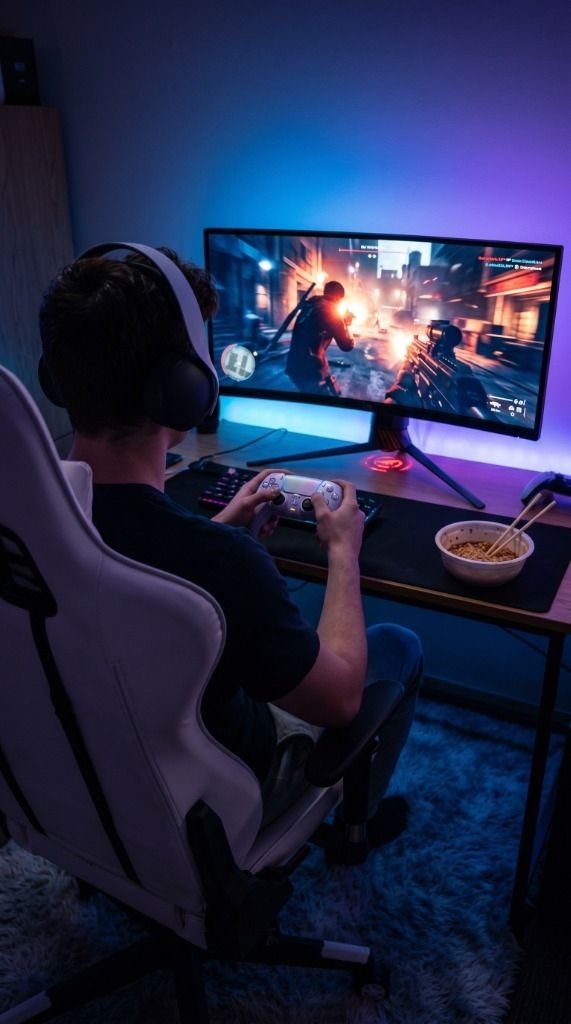
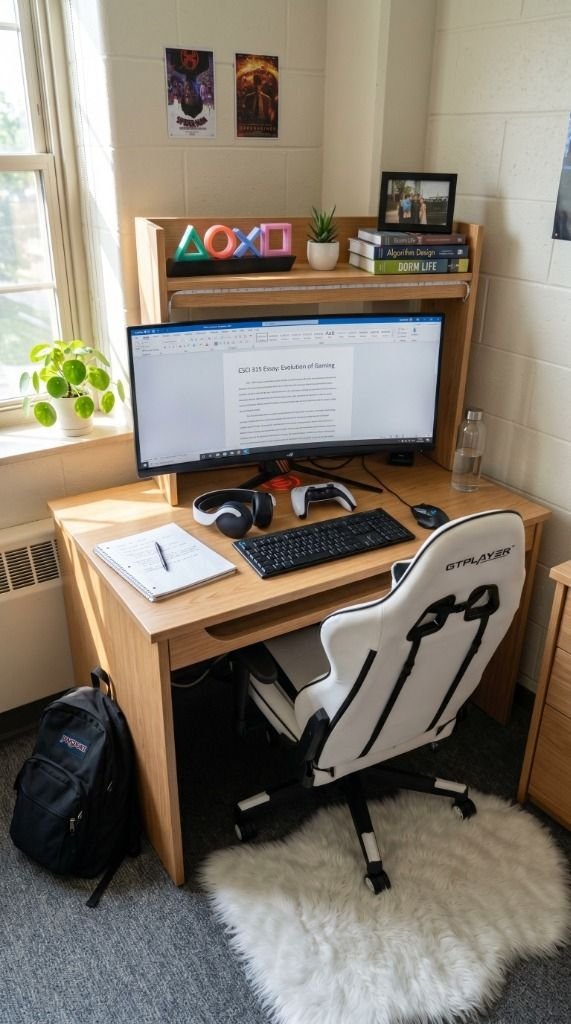
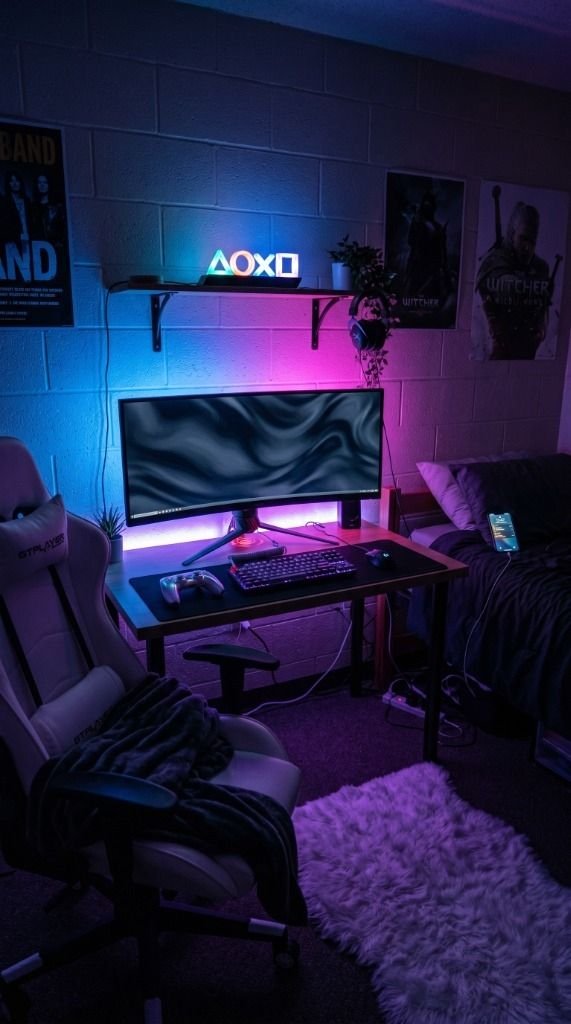
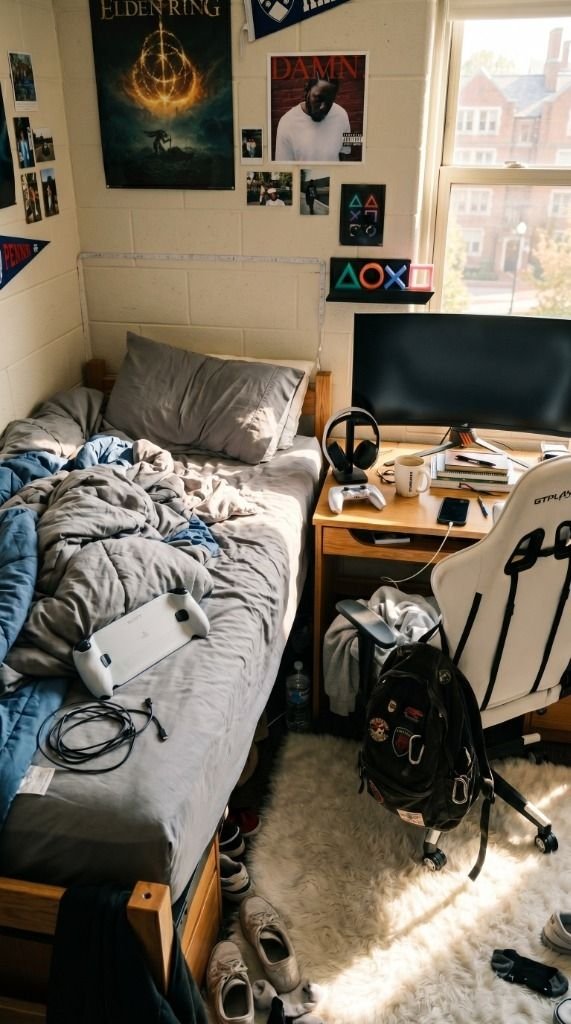
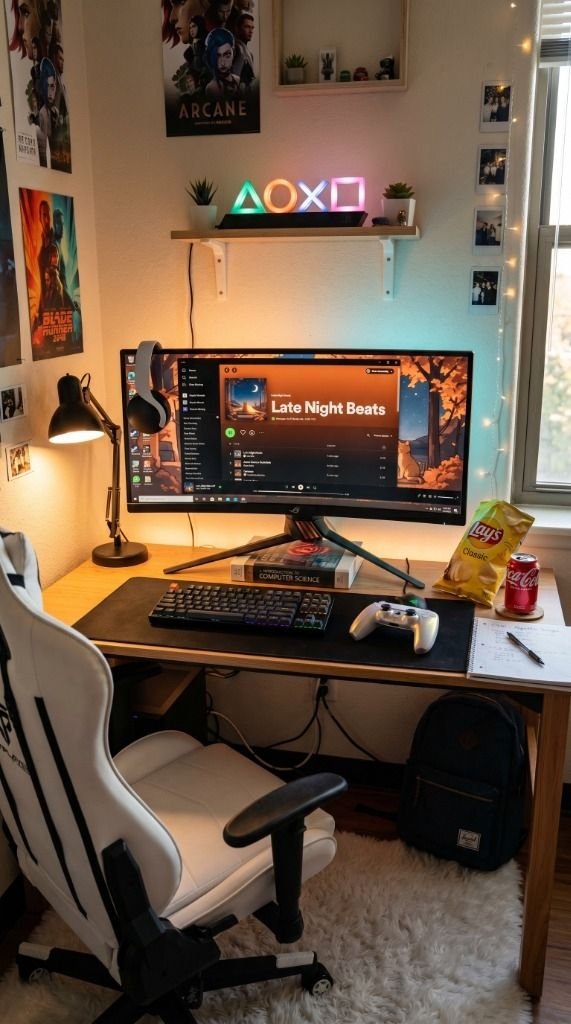
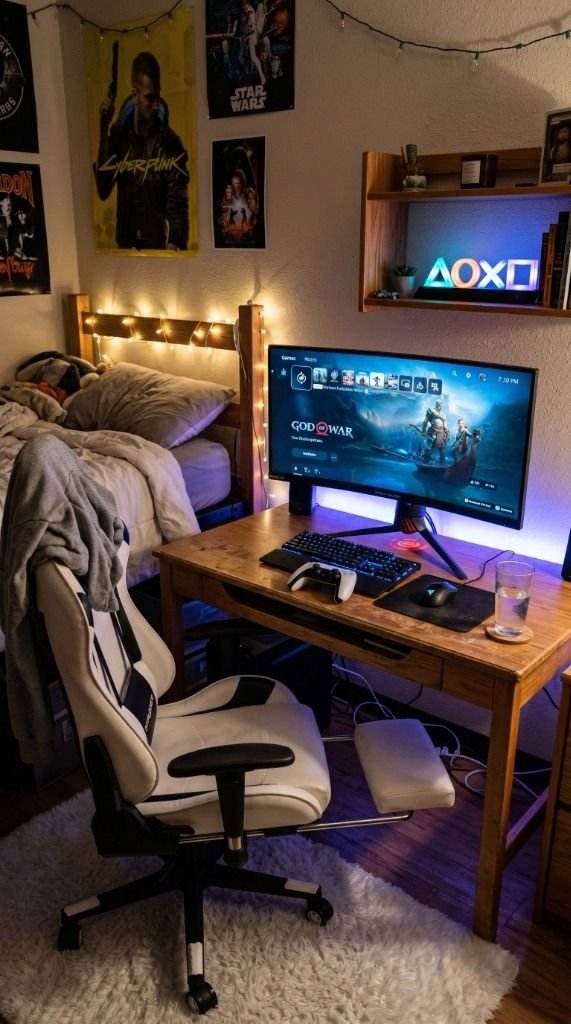
Here’s the full loadout for this console gaming dorm setup: You’re gaming on the ASUS ROG Strix 34″ Ultrawide Monitor which doubles as your study screen and PS5 display. Audio comes from the PlayStation Pulse Elite Wireless Headset with planar magnetic drivers designed specifically for PS5. Control is handled by the gorgeous DualSense Wireless Controller – Chroma Pearl, and for late-night gaming from bed you’ve got the PlayStation 5 Portal Remote Player. Sink into the GTPLAYER Big and Tall Gaming Chair for marathon sessions. Mood lighting comes from the Paladone PlayStation Heritage Icons Light on the shelf and Govee RGBIC LED Strip Lights behind the desk. Finally, the Ashler Faux Fur Rug under your feet makes the whole space feel like home instead of a hospital hallway.
The Setup
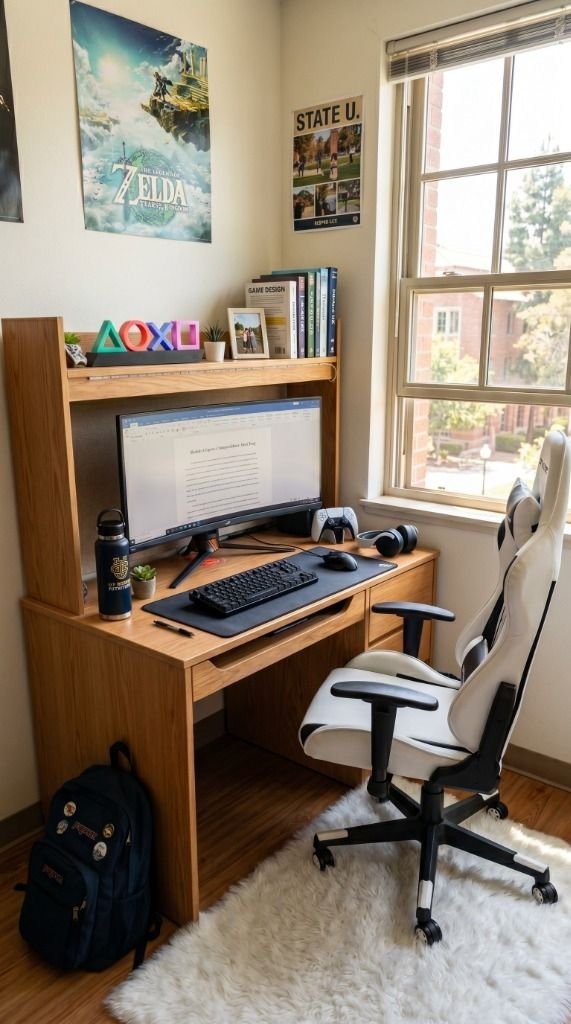
Console gaming in a dorm is all about maximizing comfort in minimal space, and this setup nails it. The centerpiece is the ASUS ROG Strix 34″ Ultrawide Monitor—yeah, it’s technically a PC monitor, but plugging your PS5 into a QD-OLED ultrawide via HDMI is an absolute game-changer. The HDR display makes games like Spider-Man 2 and Horizon look cinematic, and when you’re not gaming, you can snap windows side-by-side for homework. One screen, dual purpose, zero clutter.
The PlayStation Pulse Elite Wireless Headset is the perfect dorm companion because it uses PlayStation Link wireless, meaning zero lag and zero cables. When your roommate’s trying to sleep at 2 AM and you’re deep into a raid, these keep the peace. Pair it with the DualSense Chroma Pearl Controller—the iridescent finish catches the light from your RGB strips beautifully and the haptic feedback is unmatched.
Now here’s the dorm hack of the century: the PS5 Portal Remote Player. When your roommate has guests or you just want to game from your bed, you can stream your PS5 directly to the Portal over Wi-Fi. No need to fight over the desk space. For seating, the GTPLAYER Big and Tall Gaming Chair brings serious ergonomic support with a built-in footrest—because let’s be honest, dorm chairs are basically torture devices.
For the finishing touches, the Paladone PlayStation Heritage Icons Light on a shelf is the perfect subtle flex that says “I’m a gamer” without screaming it. Run some Govee RGBIC LED Strip Lights behind the monitor for that ambient backlight glow, and throw down an Ashler Faux Fur Rug under the desk for maximum cozy factor. Your bare feet will thank you during those 3 AM gaming sessions.
Feature Comparison
| Product | Key Feature | Best For |
|---|---|---|
| ASUS ROG Strix 34″ Ultrawide Monitor | QD-OLED HDR with HDMI for PS5 | Cinematic gaming + multitasking |
| PlayStation Pulse Elite Headset | Planar magnetic drivers, PlayStation Link | Late-night gaming without disturbing roommates |
| DualSense Chroma Pearl Controller | Iridescent finish + haptic feedback | Aesthetic & immersive PS5 controls |
| PS5 Portal Remote Player | 8″ LCD, Wi-Fi streaming from PS5 | Gaming from bed without the desk |
| GTPLAYER Gaming Chair | 400lb capacity + built-in footrest | Marathon comfort during long sessions |
| Paladone PlayStation Icons Light | Music-reactive RGB with 3 modes | Themed shelf decor and ambient lighting |
| Govee RGBIC LED Strip Lights | App-controlled segmented colors | Desk backlighting and mood setting |
| Ashler Faux Fur Rug | Ultra-soft sheepskin texture | Cozy floor comfort under the desk |
Frequently Asked Questions
Can you use a PC ultrawide monitor with a PS5?
Yes! The ASUS ROG Strix 34″ Ultrawide Monitor supports HDMI input, so you can plug your PS5 directly into it. While the PS5 doesn’t natively output in ultrawide aspect ratios, the monitor’s QD-OLED panel still delivers stunning HDR colors and deep blacks that make console games look incredible, even with the slight black bars on the sides.
Is the PS5 Portal worth it for a dorm room?
Absolutely—it might be the most dorm-friendly PlayStation accessory ever made. The PlayStation 5 Portal Remote Player lets you stream your PS5 games over Wi-Fi to its 8-inch display, meaning you can game from your bed, the common room, or even the library without moving your console. In a shared dorm, that flexibility is priceless.
How do I keep my dorm room quiet during late-night gaming?
The PlayStation Pulse Elite Wireless Headset is your best friend here. It connects to the PS5 via PlayStation Link (a dedicated 2.4GHz wireless signal), delivering completely lag-free audio without any cables. The noise isolation is strong enough that your roommate won’t hear a thing, and you won’t hear their alarm at 6 AM either.
What’s the best gaming chair for a small dorm room?
The GTPLAYER Big and Tall Gaming Chair is an excellent pick because despite its generous seating capacity (up to 400 lbs), it has a relatively compact rolling base that fits under standard dorm desks. The built-in retractable footrest is a game-changer since you don’t need a separate ottoman taking up floor space.
Get the Look
- ASUS ROG Strix 34″ Ultrawide Monitor
- PlayStation Pulse Elite Wireless Headset
- DualSense Wireless Controller – Chroma Pearl
- PlayStation 5 Portal Remote Player
- GTPLAYER Big and Tall Gaming Chair
- Paladone PlayStation Heritage Icons Light
- Govee RGBIC LED Strip Lights
- Ashler Faux Fur Rug
Your dorm room doesn’t have to feel like a cell. With the right console setup, some moody lighting, and a chair that doesn’t destroy your spine, you can build a gaming corner that rivals any apartment setup. Game on, and good luck on those finals.
? Need more inspiration? Check out our other popular setup: The Best White Gaming Peripherals of 2026 (Tested & Ranked)