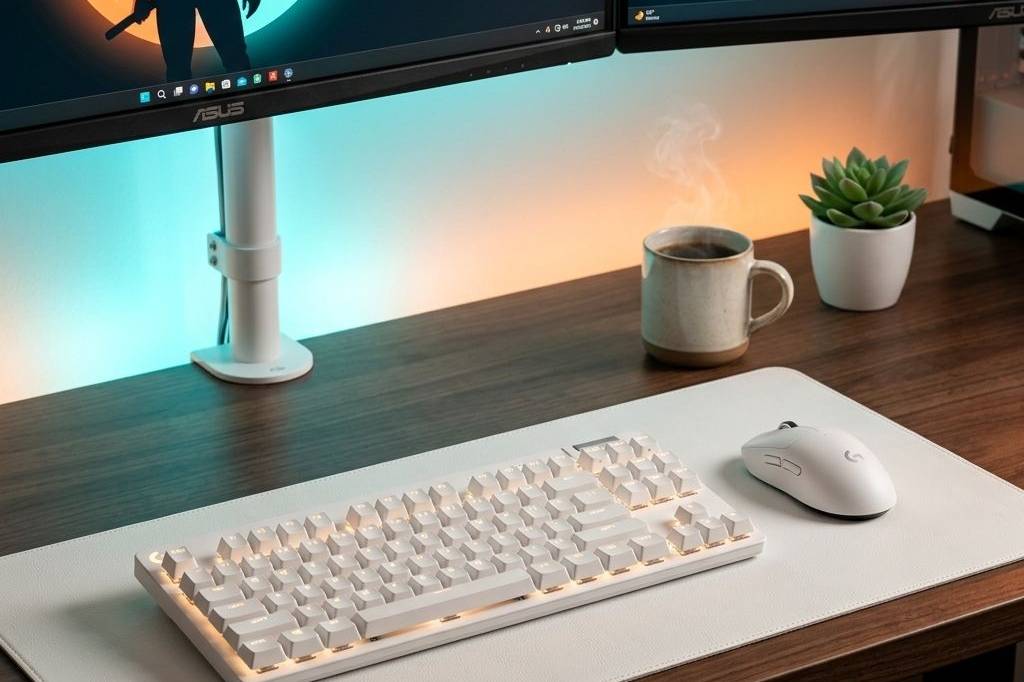
The gaming mouse market in 2026 is filled with options that boast insane polling rates, feather-light chassis, and flawless wireless connectivity. Whether you’re grinding competitive shooters or diving into massive MMOs, finding the right mouse is essential for peak performance and comfort. We’ve compiled the absolute best gaming mice on Amazon to help you upgrade your desk setup and dominate your games.
Best Overall Gaming Mouse: Logitech G305 Lightspeed Wireless
The Logitech G305 Lightspeed Wireless takes our top spot because it hits the sweet spot of price, performance, and reliability. Featuring Logitech’s flawless HERO sensor and true 1ms Lightspeed wireless technology, it delivers flagship-tier responsiveness in an affordable, classic shape that fits almost any grip style. If you want a no-nonsense wireless mouse that just works perfectly, this is it.
- Pros: Incredible battery life (up to 250 hours on one AA), flawless wireless connection, highly affordable.
- Cons: Lacks RGB lighting, uses AA batteries instead of being rechargeable.
Best Upper Mid-Range: Logitech PRO X 2 SUPERLIGHT
For those willing to spend a bit more for premium esports performance, the Logitech PRO X 2 SUPERLIGHT is a masterclass in engineering. It retains the beloved shape of the original but upgrades to hybrid optical-mechanical switches for crisper clicks and long-term durability. It’s incredibly light and glides effortlessly across your desk pad.
- Pros: Ultra-lightweight at 60g, premium hybrid switches, exceptional sensor precision.
- Cons: Premium price tag, shape may be too safe/plain for some.
Best Budget Gaming Mouse: Logitech G502 Hero High Performance Wired
The Logitech G502 Hero is an absolute legend in the PC gaming space. It offers 11 programmable buttons, a tunable weight system, and the hyper-fast scroll wheel that makes it fantastic for both gaming and productivity. At its typical budget-friendly price, it offers unbeatable value for a wired mouse.
- Pros: Extremely versatile with 11 buttons, customizable weight, great value.
- Cons: Quite heavy (even without added weights), cable can cause drag if not managed.
Best for MMOs: Razer Naga V2 HyperSpeed
If your action bars are overflowing with spells and macros, the Razer Naga V2 HyperSpeed is your best bet. With its iconic 12-button side panel and reliable HyperSpeed wireless, it puts your entire rotation right under your thumb without tethering you to your desk.
- Pros: Unrivaled MMO button layout, dual wireless modes (Bluetooth/2.4GHz), highly ergonomic.
- Cons: Bulky design, runs on AA batteries.
Best Ergonomic Design: Razer Basilisk V3
The Razer Basilisk V3 offers one of the most comfortable right-handed ergonomic shapes on the market, complete with a signature thumb rest. It features a brilliant 11-zone Chroma RGB underglow and a smart scroll wheel that automatically switches between tactile and free-spin modes.
- Pros: Supremely comfortable grip, amazing RGB underglow, innovative scroll wheel.
- Cons: Wired only, right-handed exclusively.
Best Ultra-Budget: Razer DeathAdder Essential
If you’re on the strictest of budgets but still want a name-brand sensor and reliable switches, the Razer DeathAdder Essential delivers the classic DeathAdder shape for around $20. It’s barebones, but it nails the fundamentals.
- Pros: Legendary ergonomic shape, incredibly cheap, reliable optical sensor.
- Cons: Very basic feature set, stiff cable.
Best Premium Wireless: Logitech G502 X Plus
The Logitech G502 X Plus modernizes the G502 legacy with hybrid optical-mechanical switches, a lighter chassis, and gorgeous LIGHTSYNC RGB. It’s the ultimate ‘do-everything’ wireless mouse for gamers who want zero compromises.
- Pros: Fantastic build quality, crisp optical switches, excellent RGB implementation.
- Cons: Very expensive.
Best Lightweight Esports: Logitech G PRO X Superlight 2
Built closely with professional esports athletes, the Logitech G PRO X Superlight 2 pushes the boundaries with its new HERO 2 sensor boasting a massive 44K DPI and a blazing fast 8kHz polling rate. It is pure performance wrapped in a 60g shell.
- Pros: Cutting-edge sensor specs, 8kHz polling rate, USB-C charging.
- Cons: High price tag for a minimalist design.
Best MMO Budget Alternative: Redragon M908 Impact
You don’t have to spend a fortune to get a massive button grid. The Redragon M908 Impact offers 12 side buttons, a rapid-fire key, and a tunable weight system at a fraction of the cost of its premium competitors.
- Pros: Massive amount of buttons, very affordable, adjustable weight cartridge.
- Cons: Software isn’t as polished, sensor can struggle on certain pads.
Best Entry-Level RGB: Redragon M612 Predator
The Redragon M612 Predator is an excellent starter mouse that packs in 11 programmable buttons, a dedicated rapid-fire button, and vibrant RGB lighting. It’s an aggressive-looking mouse that punches above its weight class.
- Pros: Striking gamer aesthetic, lots of buttons for the price, comfortable grip.
- Cons: Heavy, software is basic.
Feature Comparison
| Category Winner | Product | Key Feature |
|---|---|---|
| Best Overall | Logitech G305 Lightspeed Wireless | 250-hour battery life & HERO sensor |
| Best Upper Mid-Range | Logitech PRO X 2 SUPERLIGHT | Hybrid optical-mechanical switches |
| Best Budget | Logitech G502 Hero | 11 buttons & tunable weights |
| Best for MMOs | Razer Naga V2 HyperSpeed | 19 programmable buttons total |
| Best Ergonomic | Razer Basilisk V3 | Smart scroll wheel & RGB underglow |
| Best Ultra-Budget | Razer DeathAdder Essential | Classic ergonomic shape under $25 |
| Best Premium Wireless | Logitech G502 X Plus | LIGHTFORCE switches & LIGHTSYNC RGB |
| Best Lightweight Esports | Logitech G PRO X Superlight 2 | 8kHz polling rate & 60g weight |
| Best MMO Budget Alternative | Redragon M908 Impact | 12 side buttons & weight tuning |
| Best Entry-Level RGB | Redragon M612 Predator | Dedicated rapid-fire button |
Frequently Asked Questions
How long does a wireless gaming mouse battery actually last with regular use?
Battery life varies wildly by model. Mice that use AA batteries, like the Logitech G305, can last up to 250 hours of continuous gameplay. High-end rechargeable mice usually last between 70 to 100 hours with RGB lighting turned off, but features like high polling rates and bright RGB can drain the battery much faster.
How heavy should a gaming mouse be? Is it easy to move around?
Esports players generally prefer ultra-lightweight mice (under 70g) for quick, effortless flicks in FPS games. However, for casual gaming, MMOs, or general productivity, a heavier mouse (100g+) can provide a more stable and controlled feel. Mice like the G502 even offer adjustable weights so you can dial in the perfect resistance.
How long does a gaming mouse actually last before I need to replace it?
A quality gaming mouse from a reputable brand will typically last 3 to 5 years under heavy daily use. The most common point of failure is the mechanical switches developing a “double-click” issue, which is why newer premium mice are shifting to optical switches that are effectively immune to this problem and rated for millions more clicks.
How hard is the setup, and does it actually work with Mac and PC?
Modern gaming mice are plug-and-play for both PC and Mac regarding basic functionality. However, to customize DPI, macros, and RGB, you’ll need the manufacturer’s software (like Logitech G HUB or Razer Synapse). Keep in mind that while all mice work on Mac, some companion software—particularly older versions of Synapse—can have limited support on macOS.
How’s the responsiveness in real life? Is it what you’d expect?
With proprietary wireless technologies like Logitech’s Lightspeed or Razer’s HyperSpeed, the responsiveness of top-tier wireless mice is indistinguishable from wired mice. They offer 1ms response times, ensuring zero perceptible lag during intense gameplay.
Is it actually comfortable, or does it look better than it feels?
Comfort is highly subjective and depends on your grip style (palm, claw, or fingertip) and hand size. Ergonomic mice like the Razer Basilisk V3 are generally lauded for extreme comfort during long sessions, especially for palm grippers, whereas symmetrical mice are safer bets for varied grip styles.
Visuals & Setup Highlights
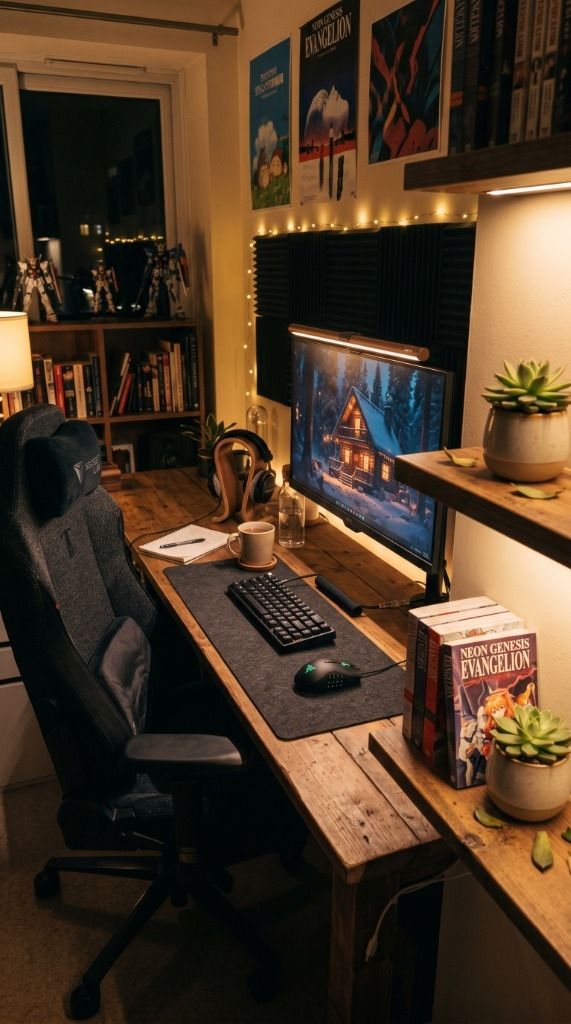
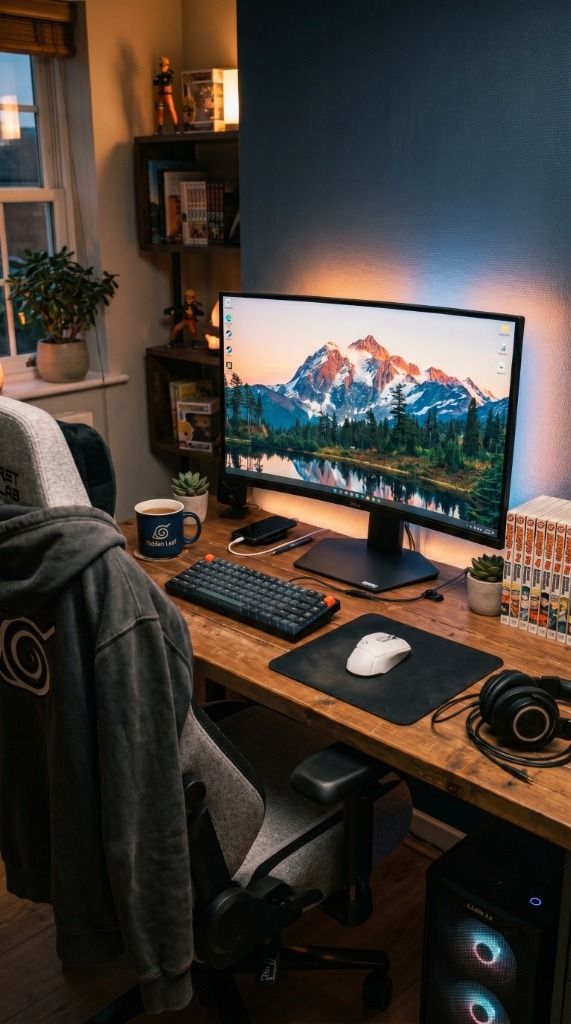
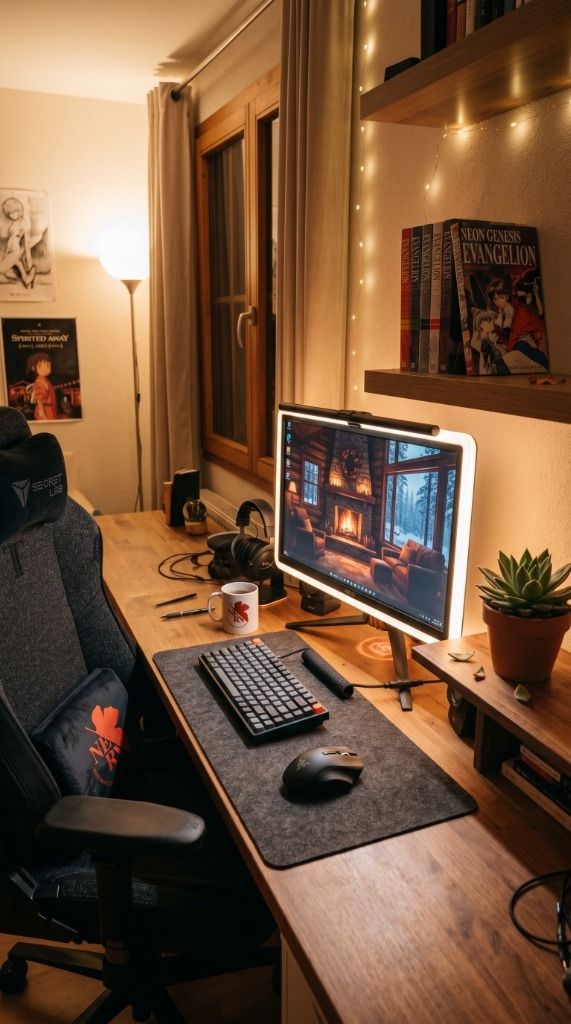
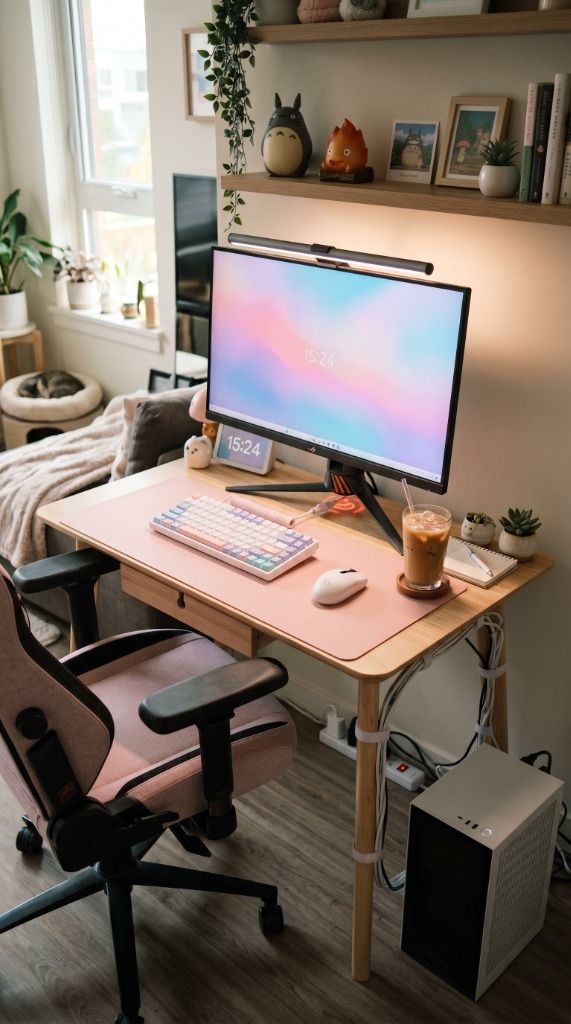

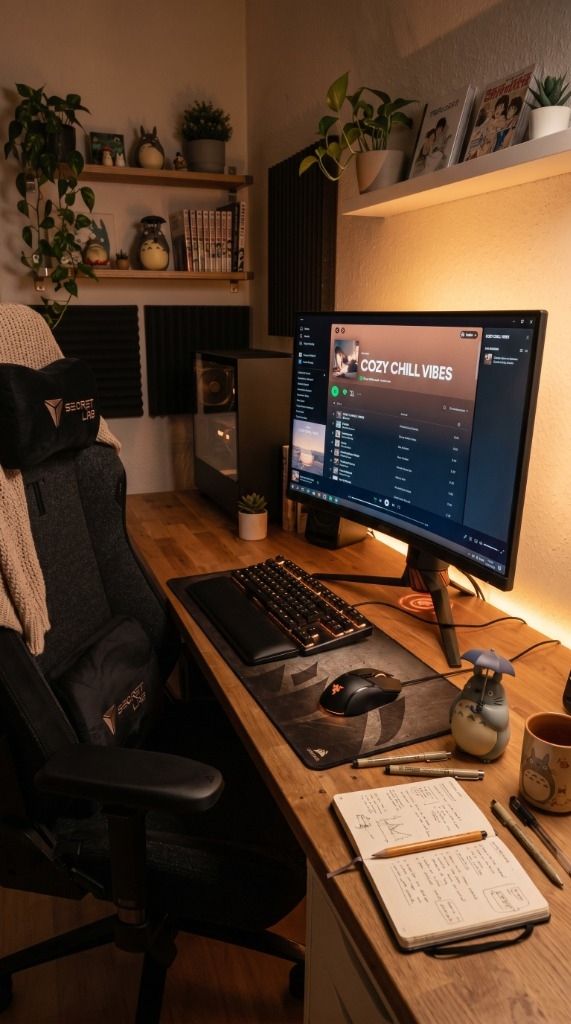
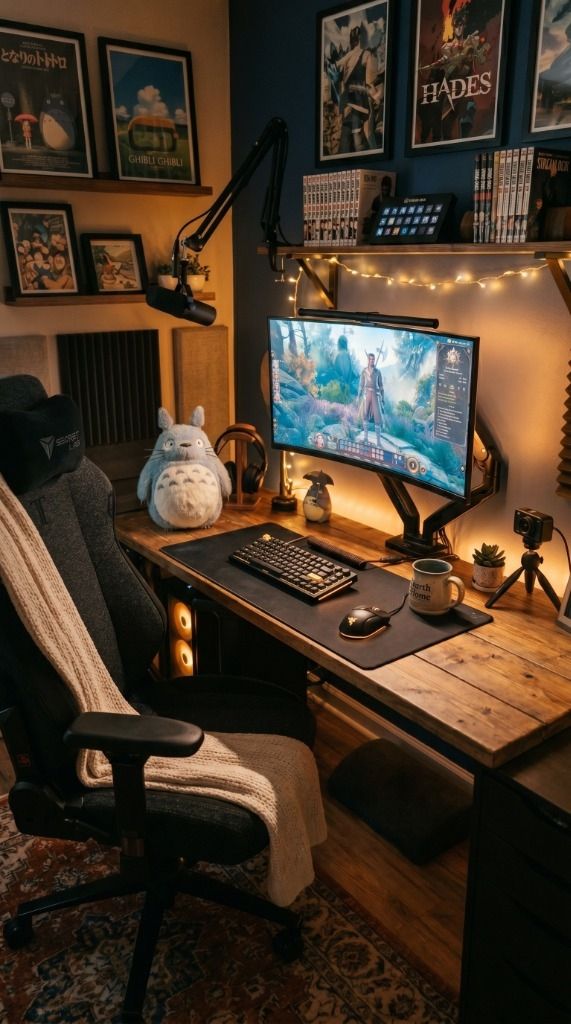

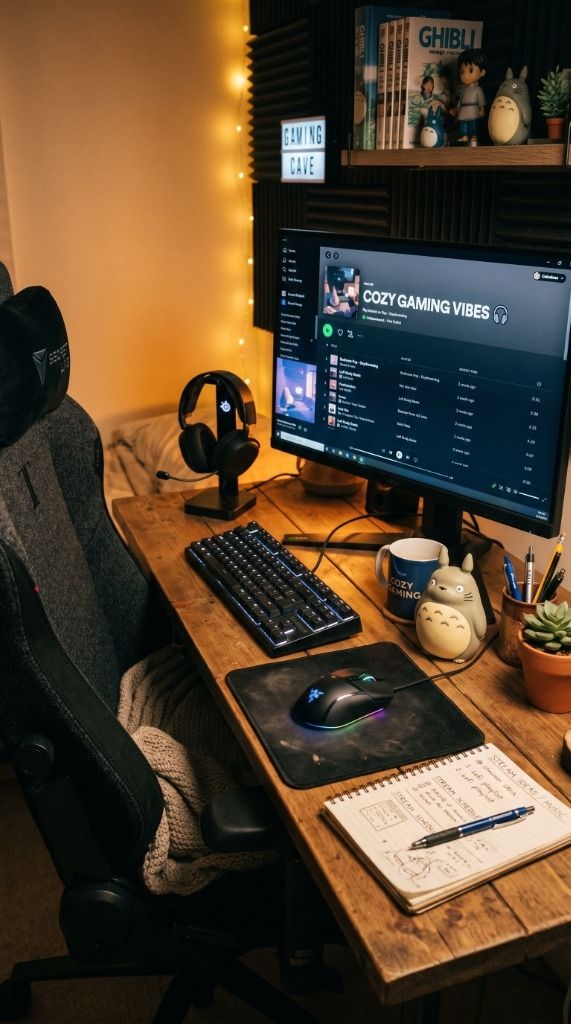
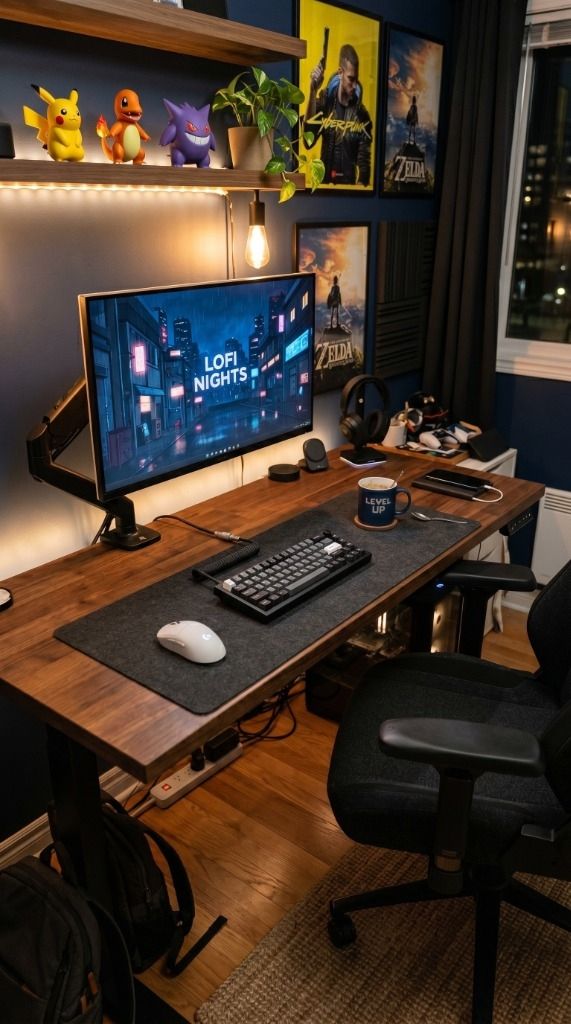
? Need more inspiration? Check out our other popular setup: 5 Essentials for an Animal Crossing Themed Cozy Nintendo Switch 2 Desk Setup