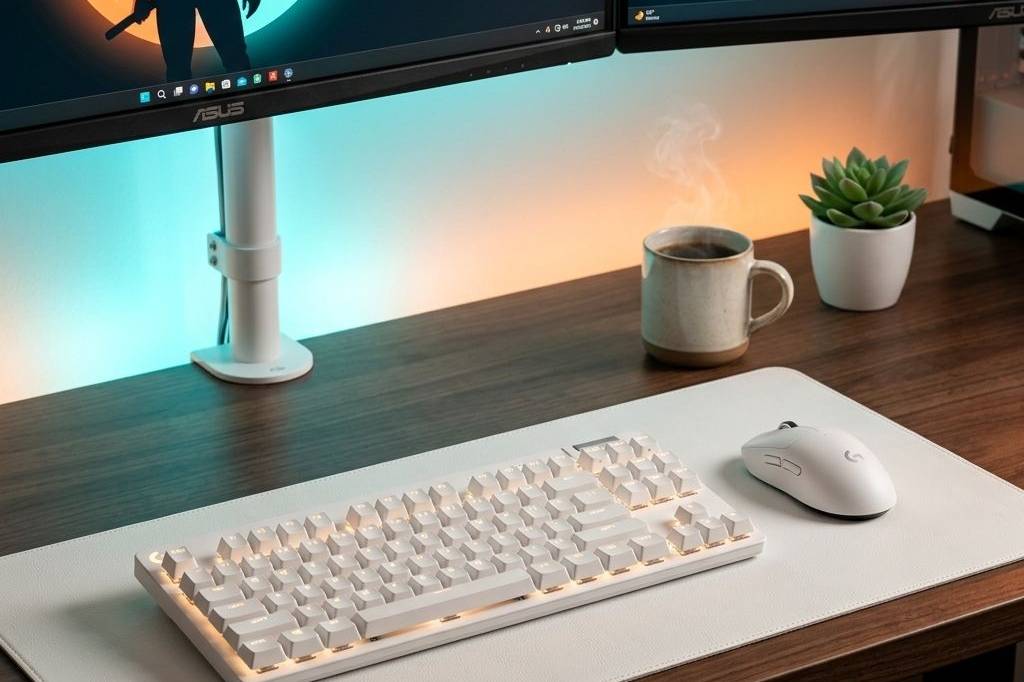
Creating the perfect work-from-home environment is no longer just about having a desk and a chair—it’s about optimizing your physical space to maximize focus, comfort, and long-term health. Whether you’re a creative professional, a developer, or a hybrid worker, the right tools can turn a standard home office into a high-performance productivity hub.

Best Overall WFH Monitor: Dell UltraSharp U2723QE
The Dell UltraSharp U2723QE remains the gold standard for WFH monitors, largely thanks to its IPS Black technology that delivers 2000:1 contrast ratios. This 4K display isn’t just about resolution; it serves as a complete USB-C hub, allowing you to charge your laptop, connect peripherals, and access high-speed Ethernet with a single cable. It’s the kind of upgrade that quietly improves every single thing you do at your desk.
- Pros: Incredible color accuracy (100% sRGB, 98% DCI-P3), extensive port selection including 90W Power Delivery, sharp 4K clarity that makes text and design work effortless.
- Cons: 60Hz refresh rate is not ideal for gaming; premium pricing compared to basic 4K panels.
Best Performance Mouse: Logitech MX Master 3S
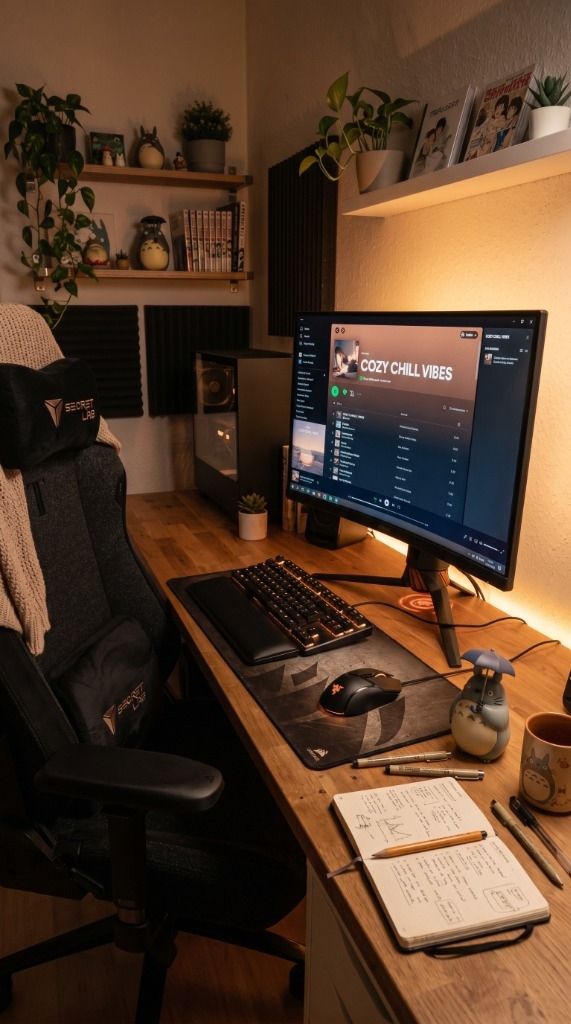
If you value efficiency, the Logitech MX Master 3S is the only mouse you should consider. It features an 8,000 DPI sensor that tracks on glass and a MagSpeed electromagnetic scroll wheel that can fly through 1,000 lines in a second. The horizontal thumb wheel and customizable gesture button make navigating complex spreadsheets or video timelines feel completely second nature.
- Pros: Near-silent clicks, exceptional ergonomic shape, and multi-device pairing across three computers.
- Cons: Large size may not suit users with smaller hands; charges via USB-C only.

Best Mechanical Wireless Keyboard: Keychron K10 Pro
The Keychron K10 Pro bridges the gap between enthusiast-level mechanical keyboards and office-ready reliability. This full-size QMK/VIA wireless keyboard lets you remap every key to your preference, and its double-shot PBT keycaps ensure the legends never fade. It offers a satisfying, thocky typing experience that makes long writing sessions significantly less tedious.
- Pros: Hot-swappable switches, fully compatible with both Mac and Windows, premium aluminum frame option available.
- Cons: Higher profile may require a wrist rest; RGB lighting drains battery faster in wireless mode.

Best Budget WFH Mouse: Logitech M330 Silent Plus
For those who need a reliable, quiet, and affordable upgrade, the Logitech M330 Silent Plus is the standout pick. It provides a 90% reduction in click noise, making it perfect for working in shared spaces or late-night sessions without disturbing others. It’s a plug-and-play solution that lasts up to 24 months on a single AA battery.
- Pros: Extremely quiet operation, contoured rubber grips for comfort, incredible battery life.
- Cons: Lacks programmable side buttons; uses non-rechargeable batteries.
Best Ergonomic Chair: Gabrylly Ergonomic Mesh Chair
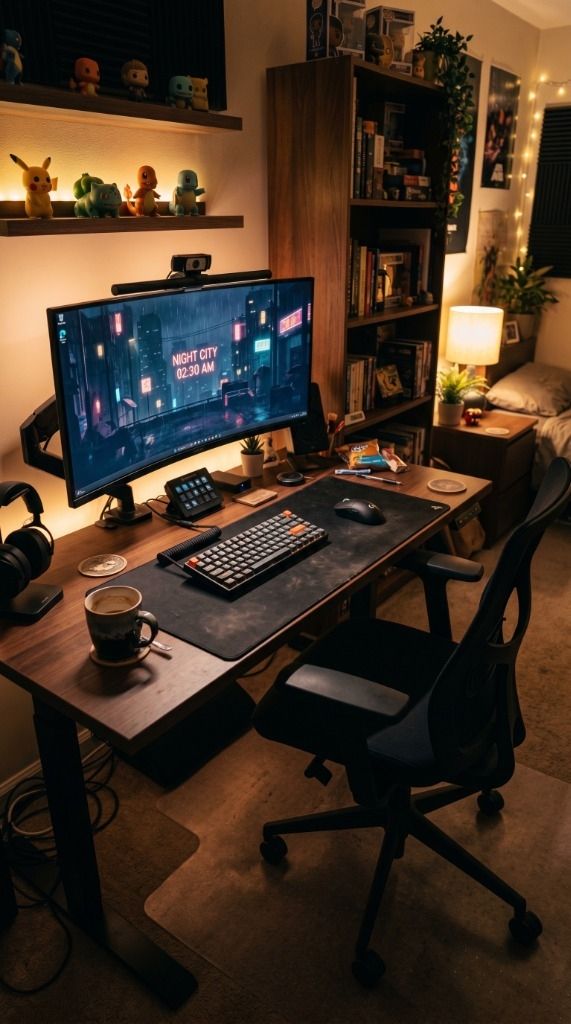
The Gabrylly Ergonomic Mesh Chair provides four points of support — head, back, hips, and arms — to ensure your posture remains upright throughout the workday. The breathable mesh material keeps you cool during summer months, and the flip-up armrests are a game-changer for those who need to tuck their chair under their desk to save space.
- Pros: Breathable full-mesh design, flip-up armrests for space-saving, easy assembly.
- Cons: Lumbar support is fixed rather than height-adjustable; mesh seat may feel firm compared to plush alternatives.
Best Eye-Care Lighting: BenQ ScreenBar
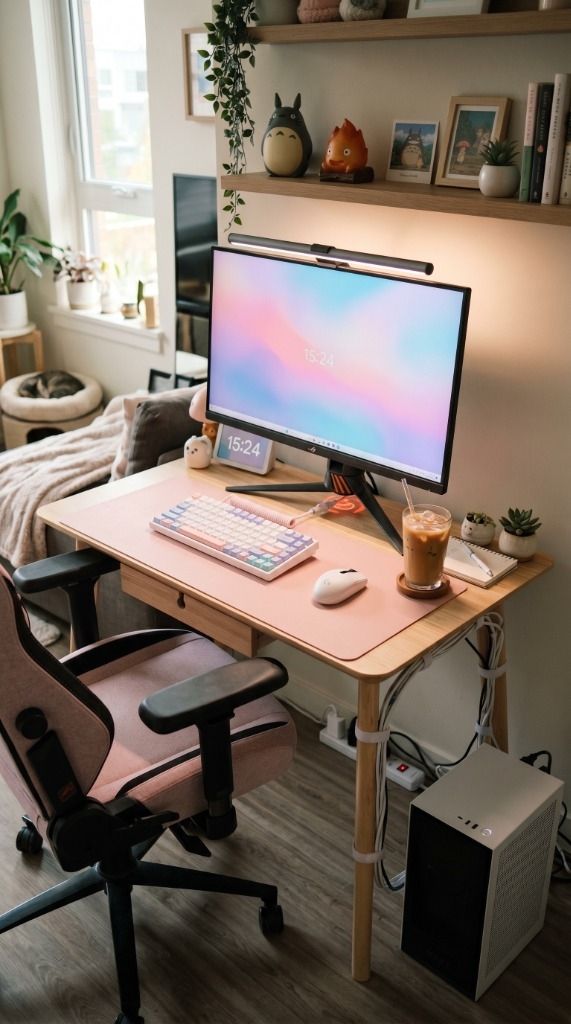
The BenQ ScreenBar is an essential for anyone working late hours. Unlike traditional desk lamps, it clips to the top of your monitor and uses an asymmetrical optical design to illuminate your desk area without creating any screen glare. This significantly reduces digital eye strain while freeing up valuable desk real estate.
- Pros: Auto-dimming adjusts to ambient light, zero screen glare, saves desk space entirely.
- Cons: Touch controls on top can collect fingerprints; may not fit on exceptionally thick or curved monitors.

Feature Comparison
| Category Winner | Product | Key Feature |
|---|---|---|
| Best Overall Monitor | Dell UltraSharp U2723QE | IPS Black 2000:1 Contrast |
| Best Performance Mouse | Logitech MX Master 3S | MagSpeed Electromagnetic Scrolling |
| Best Keyboard | Keychron K10 Pro | QMK/VIA Fully Customizable |
| Best Budget Mouse | Logitech M330 Silent Plus | 90% Click Noise Reduction |
| Best Ergonomic Chair | Gabrylly Ergonomic Mesh Chair | Breathable Full-Mesh Design |
| Best Lighting | BenQ ScreenBar | Glare-Free Asymmetric Light |
Frequently Asked Questions
Is a 4K monitor necessary for office work?
While not strictly necessary, a 4K monitor like the Dell UltraSharp significantly improves text clarity, reducing eye strain during long hours of reading or coding. The extra screen real estate also allows for better multitasking by fitting more windows side-by-side.
Why choose a mechanical keyboard for productivity?
Mechanical keyboards like the Keychron K10 Pro provide tactile feedback that reduces typing errors and delivers a more consistent feel than standard membrane keyboards. They are also far more durable and customizable, lasting years without degradation.
Does a monitor light bar really help with eye strain?
Yes — monitor light bars like the BenQ ScreenBar balance the brightness of your screen with your surrounding environment. By illuminating the workspace without reflecting off the screen, they prevent the harsh contrast that typically causes headaches and fatigue during long sessions.
? Need more inspiration? Check out our other popular setup: 6 Best Nintendo Switch 2 Accessories You Need to Buy Right Now